← Products

Attention & Flow

Oleo app icon

Oleo

after Olive

A macOS clipboard queue where information waits its turn.

Keeps copied items in an ordered flow without becoming a full clipboard history.
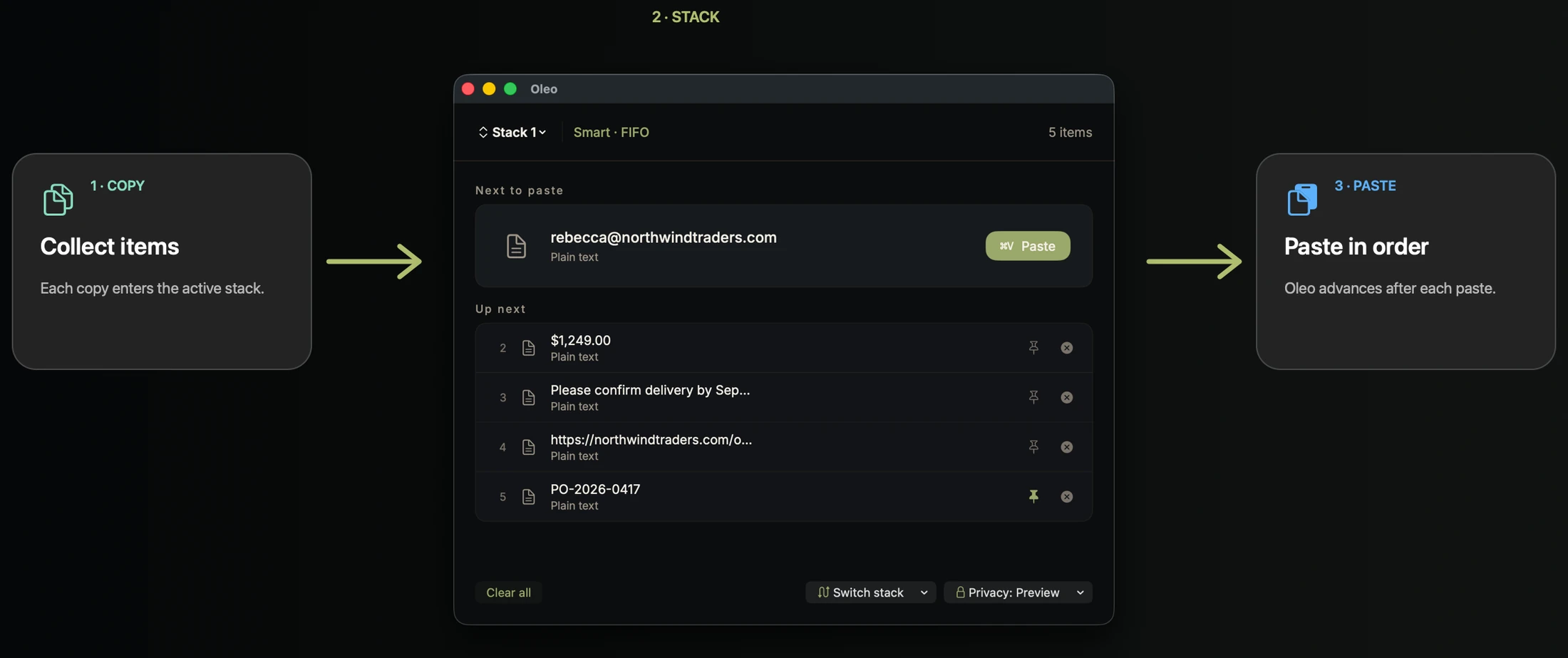
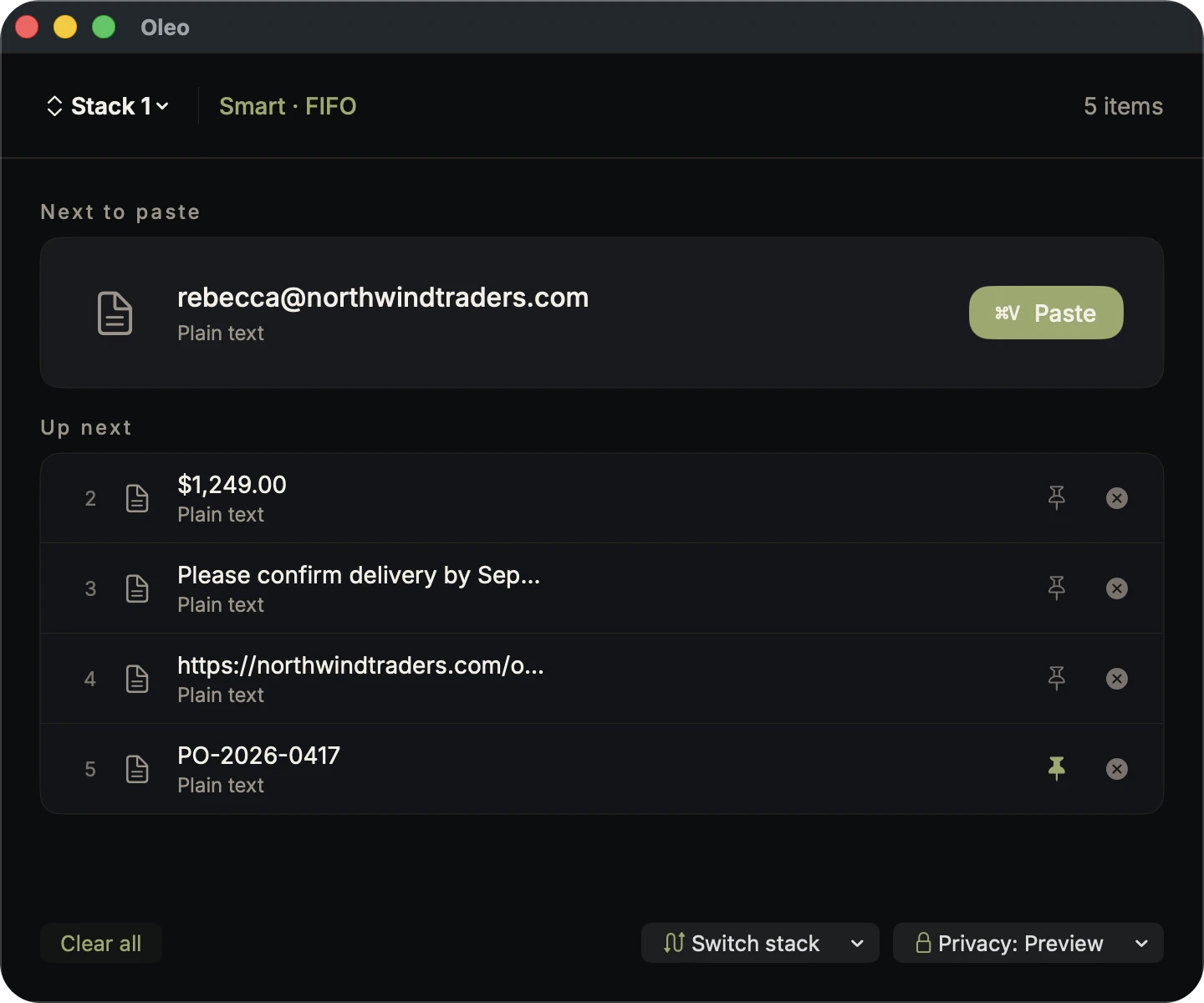
Oleo running on macOS
Copy, copy, copy — then paste them back in the order you took them, one keystroke at a time.
Oleo running on macOS
The stack itself: what is next, what is queued behind it, and what stays pinned.

Plans

Free to try. Yours for good.

Trial

Freev1.0.0

A hundred real captures to try the flow.

  • A trial of 100 real captures, not a permanent free tier
  • The full workflow while the trial lasts
  • Three stacks with up to fifty items per stack
  • FIFO, LIFO, and Smart queue modes
  • Burst paste with tab, comma, newline, or custom separators
  • Privacy modes, smart parsing, smart learning, and queue editing controls
Download

Lifetime

Best value

$19one-time

Every feature, once. Yours to keep.

Everything in the trial, plus

  • Unlimited real captures after the 100-capture trial
  • The same workflow and controls, with no capture limit
Buy

Local-first · No account · One-time purchase, no subscription

What it is

  • A macOS clipboard queue.
  • A place where copied information waits its turn.

What it is not

  • Not clipboard history.
  • Not a clipboard manager.
  • Not a generic paste utility.

The name

Named after Olive.

Old tree · Antalya & Lycia

Oleo comes from olive — the old Mediterranean tree of patience, order, and useful continuity. It fits a clipboard queue where small pieces of information wait their turn without becoming noise.

Roots matter.
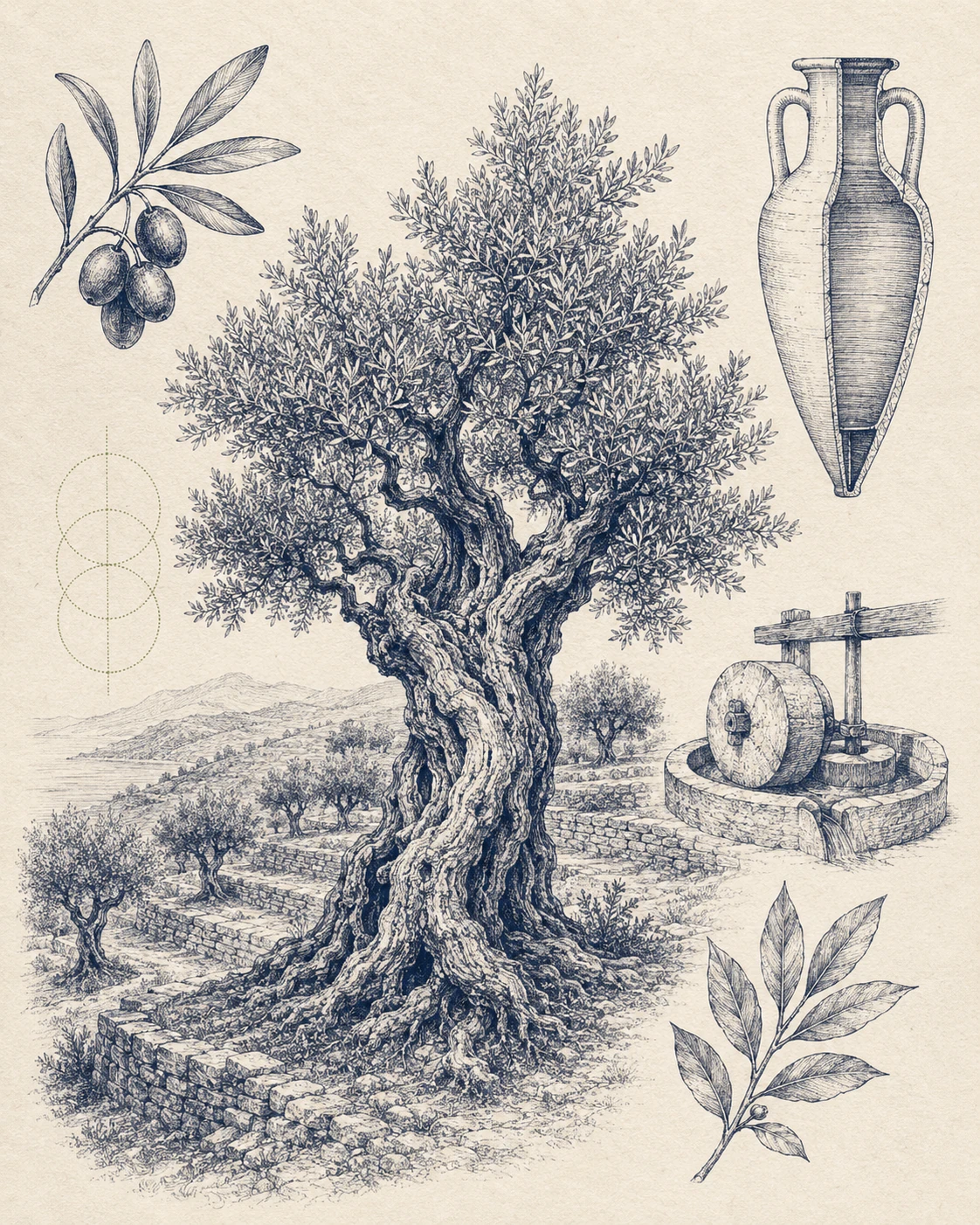
Oleo — heritage illustration
Oleo app icon

Oleo belongs to the DNZ Labs macOS atlas — local-first tools, quiet defaults, and roots in Antalya.